
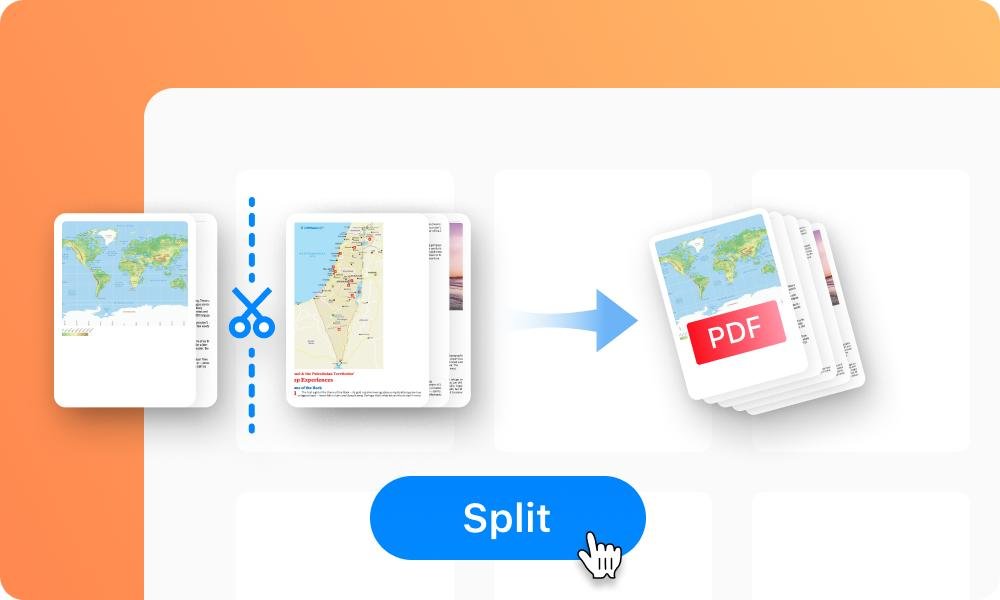
Split PDF Pages Without Losing Quality
Splitting PDF pages is an essential task when you only need specific sections of a document. Whether you're extracting important pages from a report or separating chapters from an eBook, online tools make it quick and effortless without compromising quality.
To split a PDF, simply upload your file to a reliable online tool. You can then choose the pages you want to extract or define a page range. Within seconds, the tool processes your request and provides a new file containing only the selected pages.
One of the biggest concerns users have is quality loss, but modern PDF splitters maintain the original resolution, formatting, and layout. This ensures that text, images, and graphics remain sharp and clear in the final output.
This feature is especially useful for students, professionals, and businesses who deal with large documents regularly. Instead of sharing an entire file, you can send only the relevant pages, saving time and storage space.
Many advanced tools also allow batch splitting, previewing pages, and organizing content before downloading. This gives you complete control over your document while keeping the process simple and efficient.
In conclusion, splitting PDF pages online without losing quality is a fast and reliable solution. With just a few clicks, you can extract exactly what you need while maintaining a professional and polished result.