
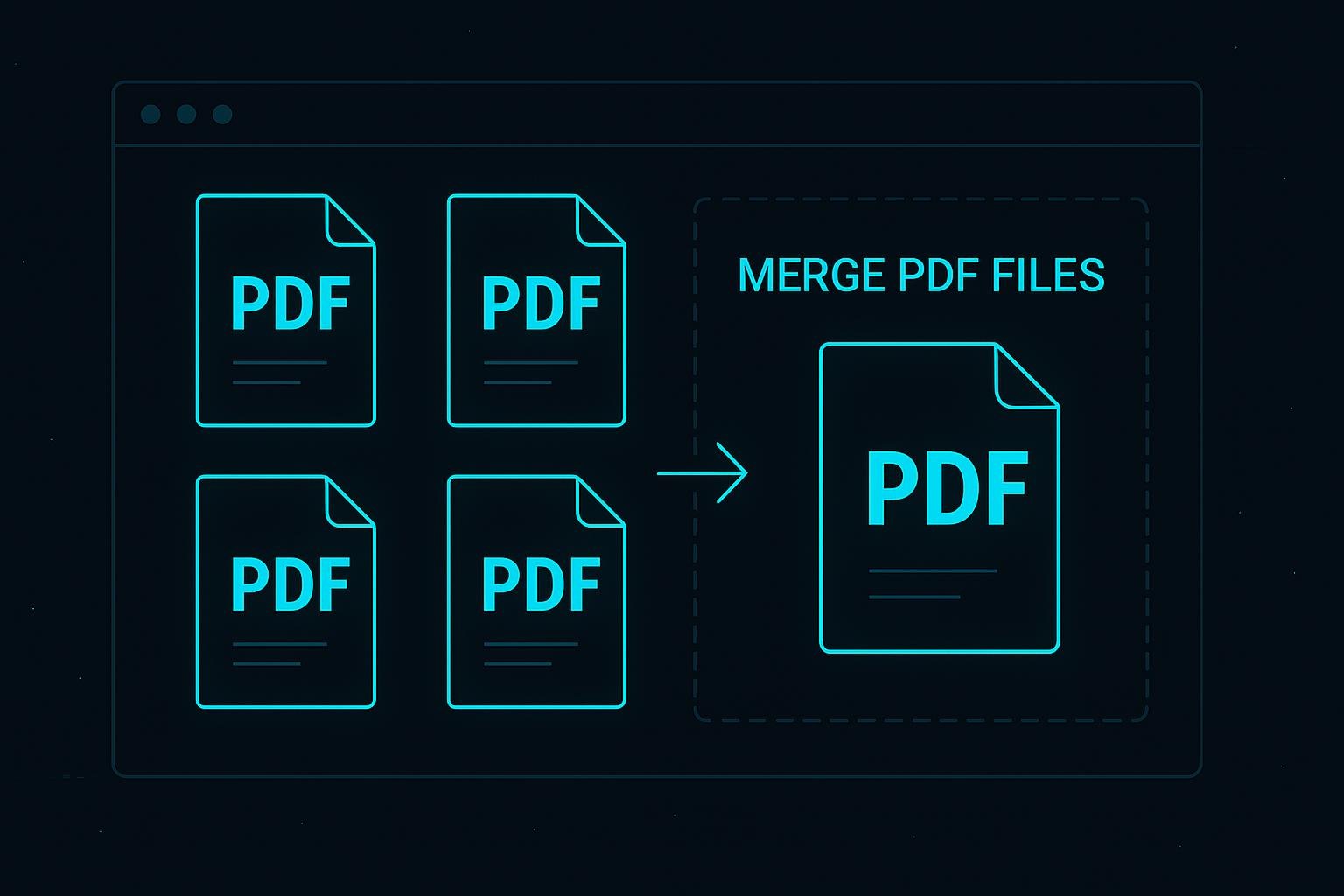
How to Merge Multiple PDF Files in Seconds
Managing multiple PDF files can be time-consuming, especially when you need to combine them into a single document. Fortunately, online PDF tools make it incredibly easy to merge multiple PDF files in just a few seconds without installing any software.
To get started, simply upload all the PDF files you want to combine. Most online tools allow you to drag and drop files, making the process quick and user-friendly. Once uploaded, you can arrange the files in your preferred order before merging them into one complete document.
Merging PDFs is especially useful for students compiling assignments, professionals combining reports, or businesses organizing important documents. Instead of sending multiple files, you can share one clean and organized PDF.
Many tools also provide additional features such as previewing pages, rearranging them, or removing unnecessary sections before merging. This ensures that your final document looks polished and professional.
Security is another key advantage. Trusted PDF merging platforms use encrypted connections and automatically delete your files after processing, ensuring your data remains safe and confidential.
Overall, merging multiple PDF files online is a fast, efficient, and hassle-free solution. With just a few clicks, you can combine documents and improve your workflow without any technical skills.