
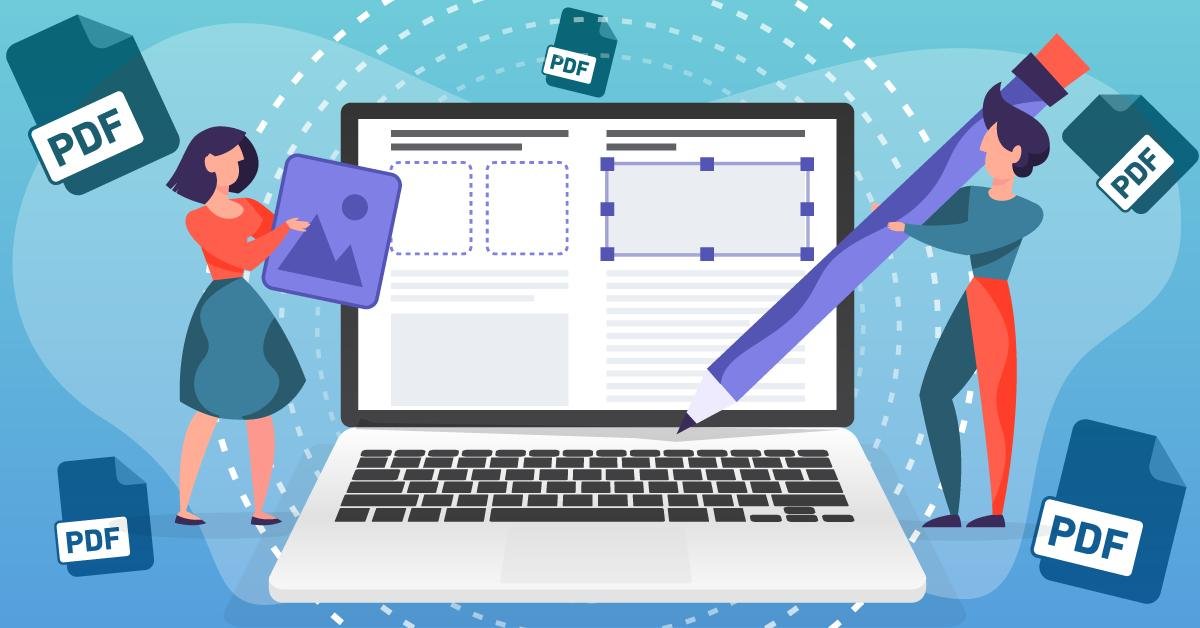
How to Edit PDF Files Online for Free
Editing PDF files has become incredibly simple with the help of modern online tools. You no longer need to install heavy or expensive software to make changes to your documents. Everything can now be done directly from your browser in just a few clicks.
To begin, upload your PDF file to an online editor. Once uploaded, you can easily add or edit text, insert images, highlight important sections, draw shapes, and even sign your document digitally. These tools are designed to be beginner-friendly, so anyone can use them without technical knowledge.
One of the biggest benefits of online PDF editing is convenience. Whether you're working on assignments, office documents, or personal files, you can access these tools anytime, anywhere. Many platforms also support features like merging, splitting, compressing, and converting PDF files into formats like Word or JPG.
Security is also an important factor. Trusted PDF editors use encrypted connections and automatically delete your uploaded files after processing. This ensures your data stays safe and private.
In addition, many tools support cloud integration, allowing you to upload files directly from Google Drive or Dropbox. This makes managing and editing documents even faster and more efficient.
Overall, editing PDF files online for free is a powerful and time-saving solution. With no installation required and a wide range of features available, online PDF editors are the perfect choice for modern digital needs.